
Understanding Your Billing
Overview
This article explains when you're charged, how to find your invoices, and other charges to know about.
How Billing Works
At checkout, you pay an initial deposit. This deposit counts as your first month's subscription payment.
Your subscription starts on the day you receive your vehicle, and you'll be billed on that same date every month after.
For example, say you check out on January 10 and receive your vehicle on February 15. Your deposit covers February 15 to March 15, and your next charge is on March 15. From then on, you're billed on the 15th of each month.
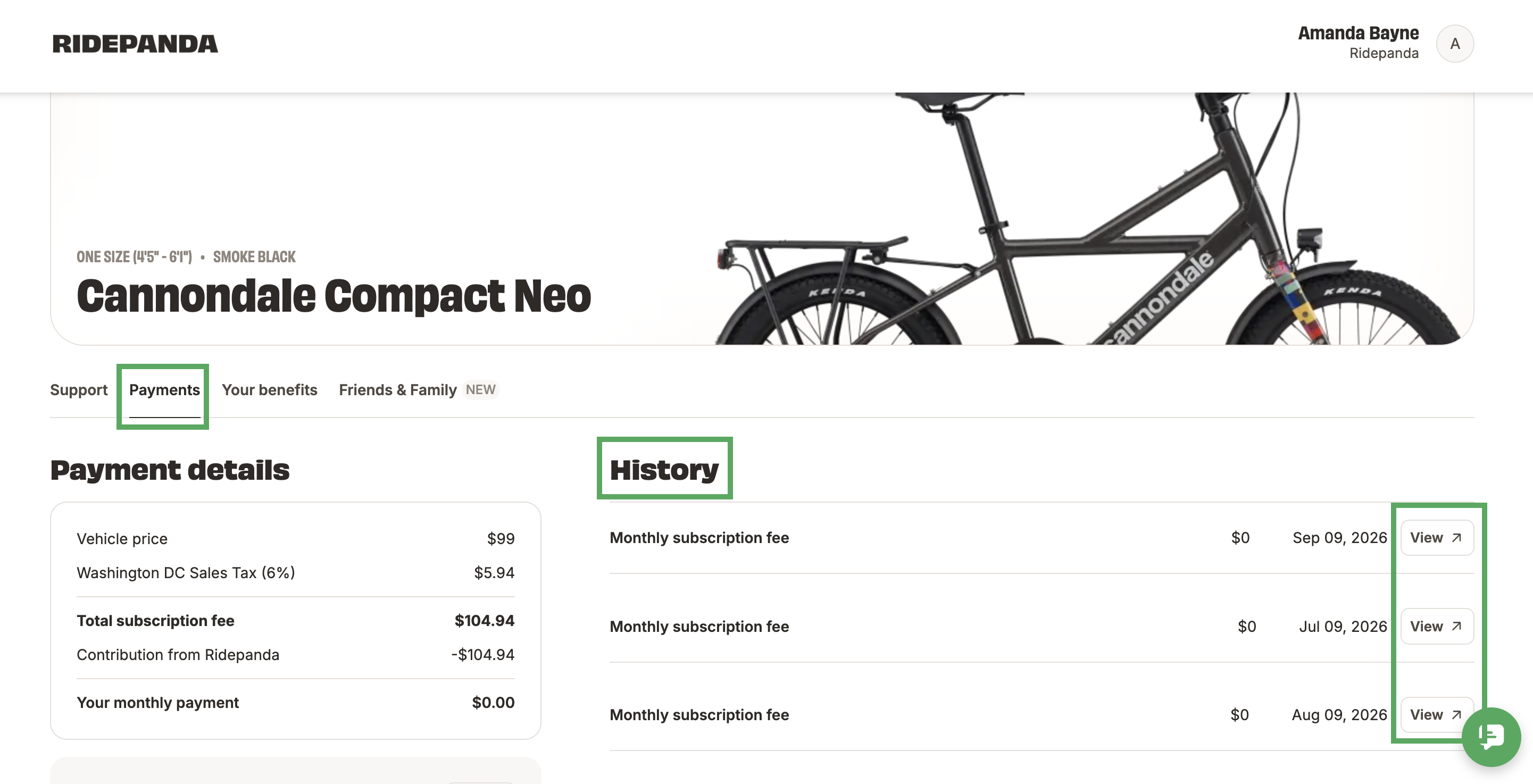
Finding Your Invoices
Log in at get.ridepanda.com.
Go to the Payments tab.
Under History, find the invoice you need.
Click View next to the invoice name.
Other Charges to Know About
Restocking fee if you cancel in your first 12 months. See Canceling a Subscription. Restock fees are equal to one month's subscription price.
Delivery fee for Pandahub deliveries after your first one, like swaps and repair pickups. This is fee is $50.
Negligence repairs for damage not covered by Pandacare. See Pricing for Negligence Repair Items.
FAQs
Can I split a payment between two payment methods?
No. Each payment is charged to one payment method. You can change your payment method anytime. See How to Update Your Payment Information.
Can I pause my subscription?
We don't offer a pause option right now. If you need to stop riding, see Canceling a Subscription.
Can I pay with my HSA, FSA, or a benefit card?
Yes, for eligible options. See Paying with your HSA or FSA and How to Load your Edenred Card.
Additional Resources
If you have more questions or need more assistance, please email us at support@ridepanda.com.